
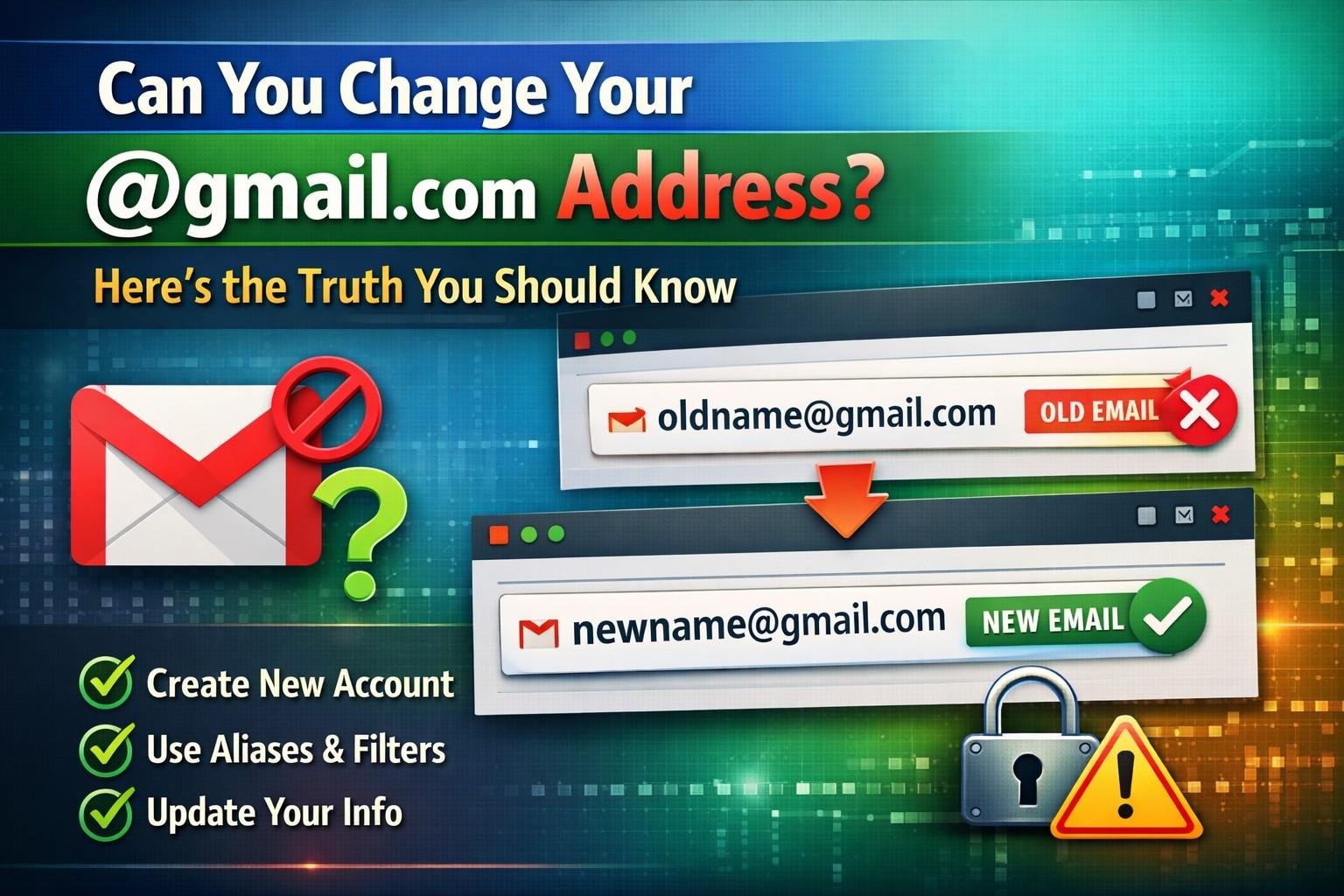
Google Now Allows Users: In recent days, social media posts and online headlines have claimed that Google now allows users to change their existing @gmail.com email address. This news has sparked excitement among millions of Gmail users who have wanted to update or correct their email IDs for years.
But what is the real situation? Can you actually change your Gmail address? Let’s break it down clearly and simply.
Can You Really Change Your @gmail.com Address?
Short answer: No.
Google does not currently allow users to change their primary @gmail.com email address once it is created. If you created an email like example@gmail.com, that exact address stays permanent. Google treats it as a unique identity, linked deeply with your Google Account, services, and security systems.
However, there are some options that look like changes but are not full replacements.
What Google Actually Allows (And What It Doesn’t)
What You Cannot Do
- Change your existing Gmail username
- Edit spelling or numbers in your current Gmail address
- Replace
@gmail.comwith another name - Rename an old Gmail ID to a new one
Once created, a Gmail address cannot be renamed.
Read More: Happy New Year Wishes 2026: Best Messages, Quotes, Status & Greetings for Everyone
What You Can Do Instead
1. Create a New Gmail Address
You can create a new Gmail account with your preferred name and use it going forward.
You can then:
- Forward emails from the old account to the new one
- Set the new Gmail as your primary contact email
- Update your email across websites and services
2. Use Gmail Dots and Variations (Auto-Allowed)
Gmail ignores dots in email addresses. For example:
johnsmith@gmail.comjohn.smith@gmail.comj.o.h.n.s.m.i.t.h@gmail.com
All of them deliver mail to the same inbox.
This is useful for filtering emails, but it does not change your real address.
3. Use the “+” Alias Feature
You can add a plus sign to create aliases:
johnsmith+bank@gmail.comjohnsmith+jobs@gmail.com
These are great for organizing emails and tracking spam sources.
4. Change Your Google Account Display Name
While your email ID stays the same, you can change:
- Your profile name
- Sender name shown in emails
This affects how people see your name, not your email address.
What About Google Workspace Accounts?
If you use a custom domain email (like name@yourcompany.com) through Google Workspace, admins can change usernames within the domain.
But this does not apply to regular free @gmail.com accounts.
Why Google Doesn’t Allow Gmail Address Changes
Google keeps Gmail IDs permanent for:
- Security reasons
- Fraud prevention
- Account recovery stability
- Long-term data integrity
Allowing changes could lead to misuse, identity confusion, and account hijacking.
Beware of Fake Claims and Clickbait
If you see posts saying:
- “Google now lets you change Gmail address”
- “Rename your Gmail ID in 2 minutes”
- “New Gmail update allows editing email name”
Be cautious. These often:
- Misinterpret alias features
- Promote misleading apps
- Push unsafe third-party tools
Google has made no official announcement allowing full Gmail ID changes.
The Best Practical Solution
If you are unhappy with your current Gmail address, the safest and recommended approach is:
- Create a new Gmail ID
- Forward emails from the old account
- Update your email on important platforms
- Gradually stop using the old address
- This keeps your data safe and avoids confusion.
Final Verdict
Google has not enabled direct changing of @gmail.com addresses. While you can use aliases, dots, or create new accounts, your original Gmail ID remains permanent.
If Google ever introduces such a feature, it will be announced officially and widely.
Until then, stay informed and avoid misleading shortcuts.
